
Ask us about this product, bundles, or which equipment suits your job.
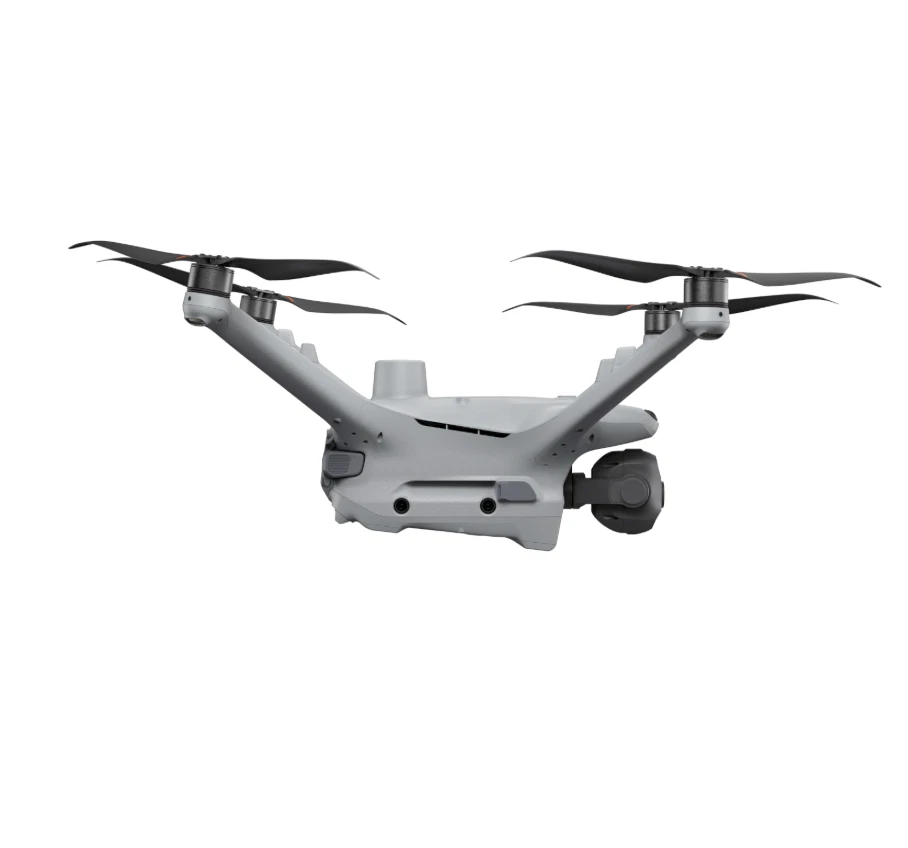
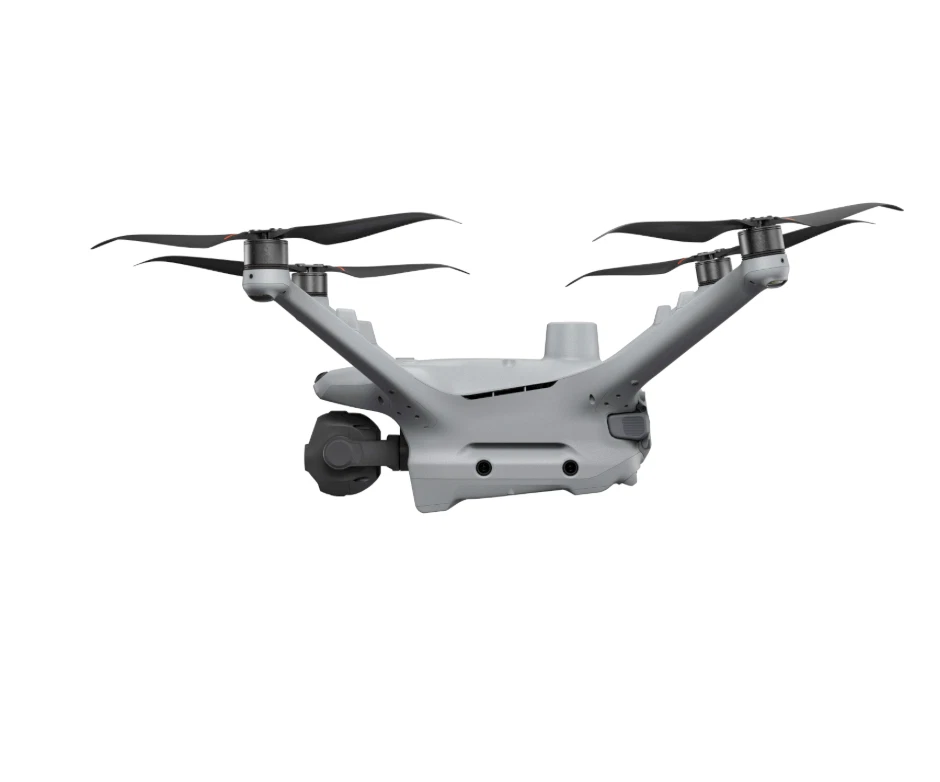
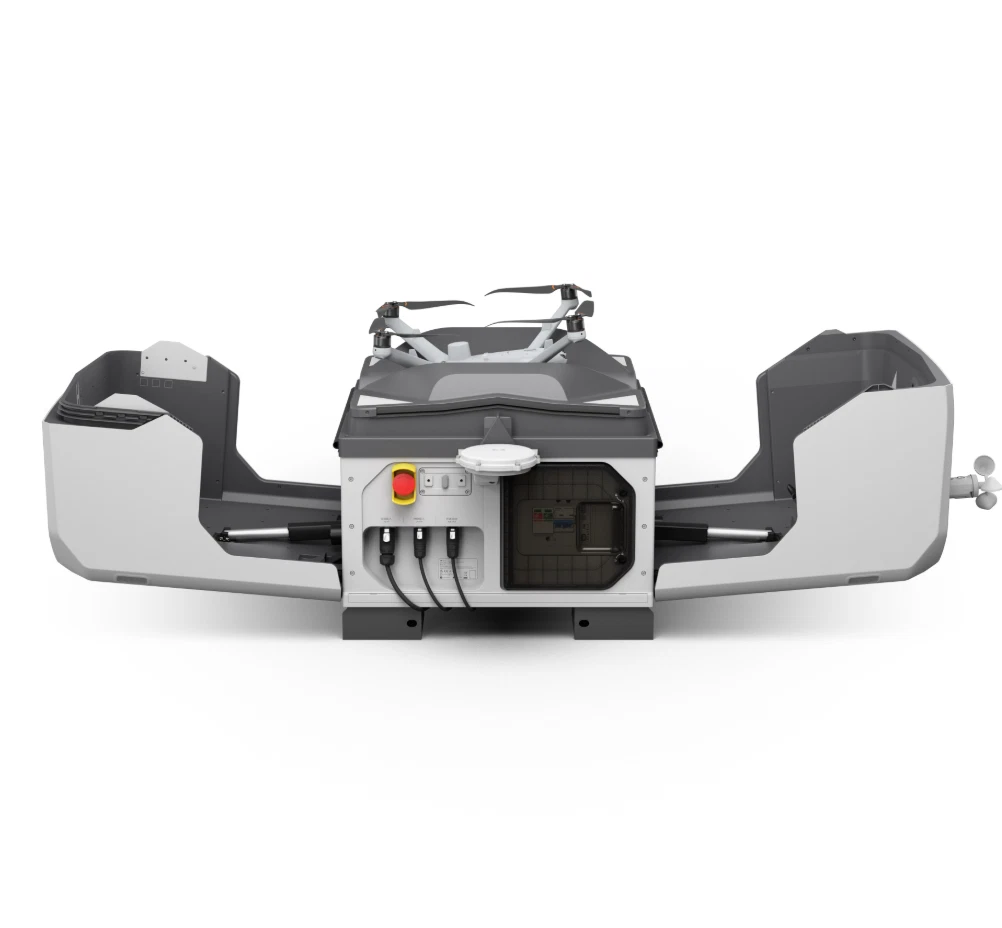
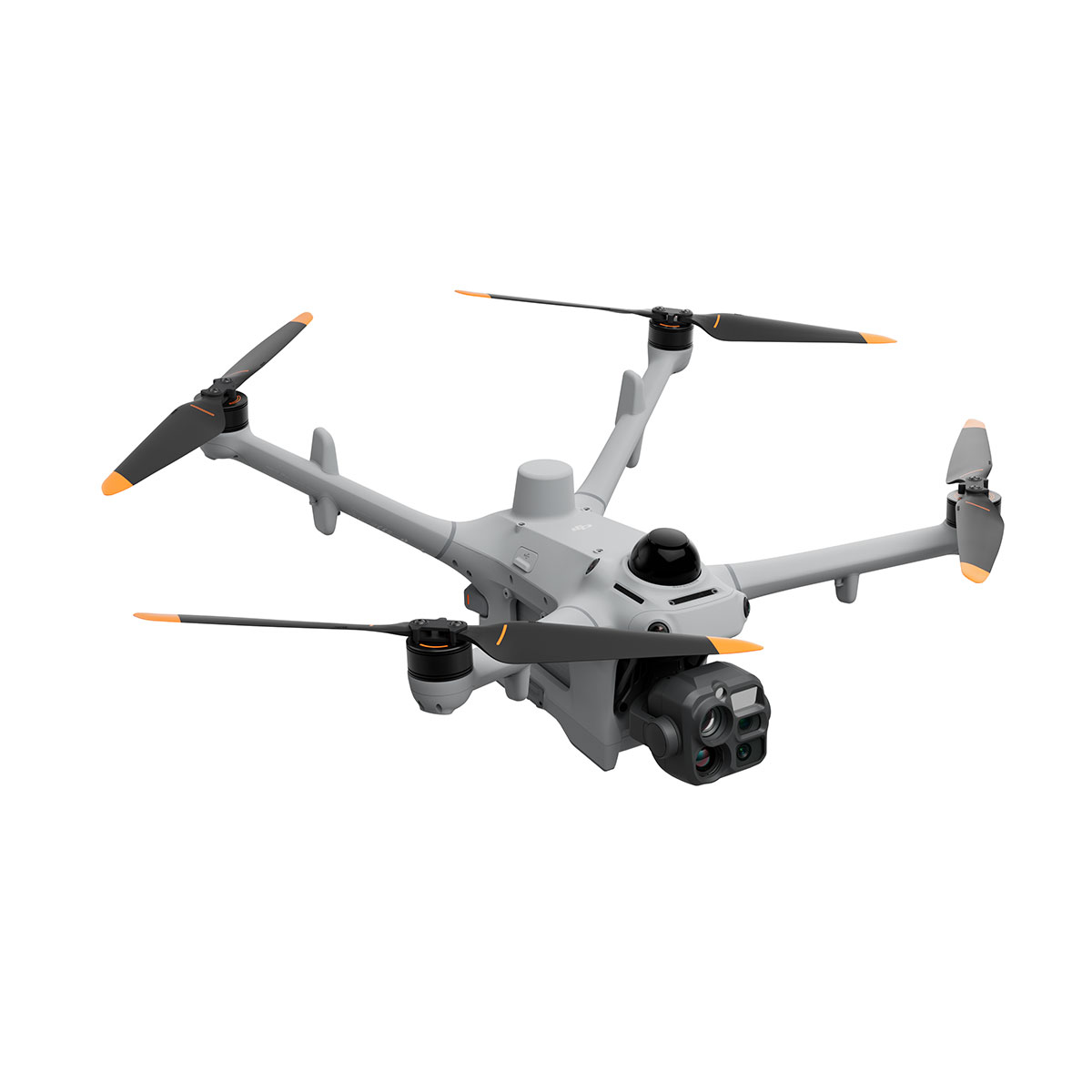
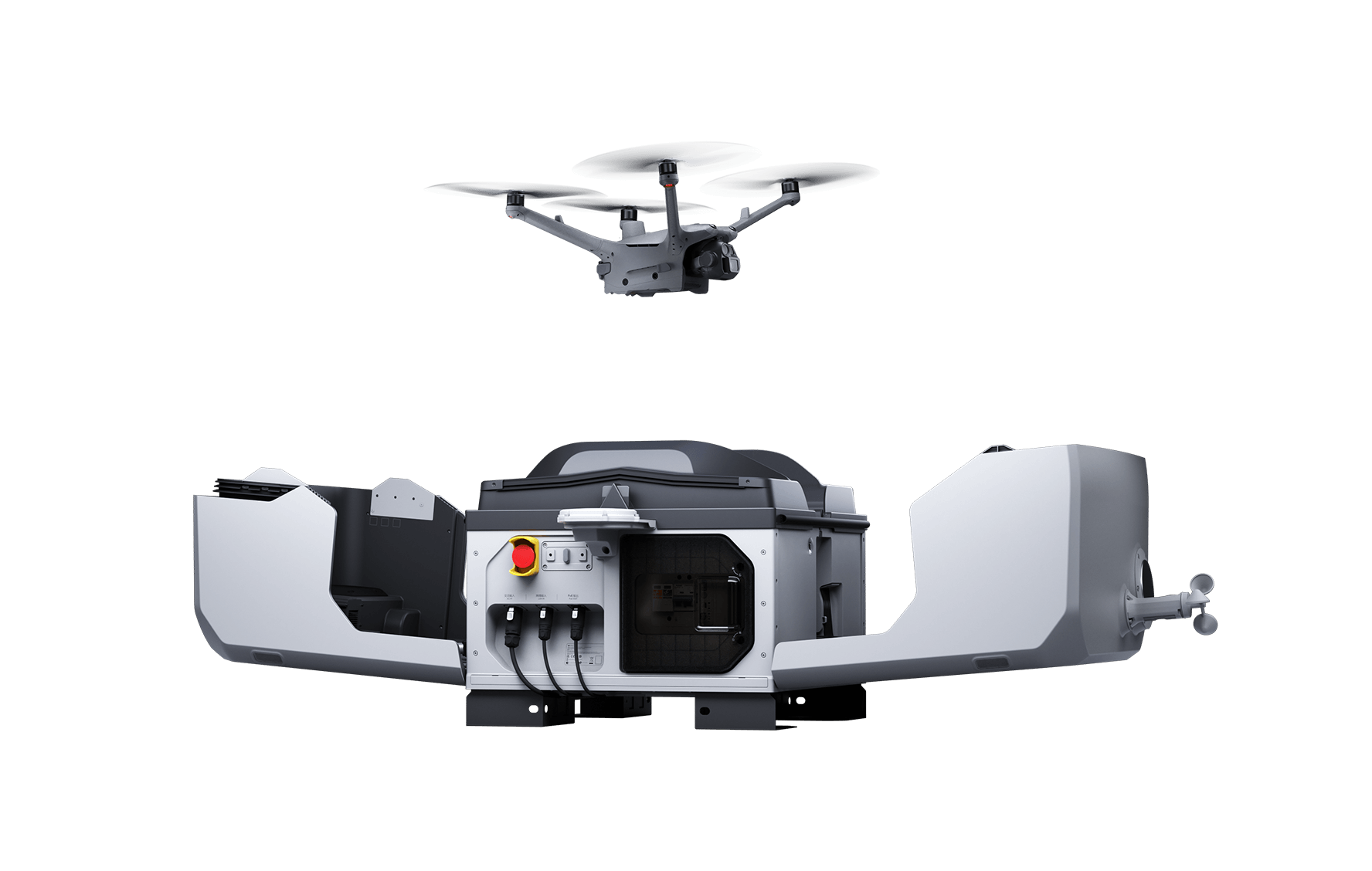
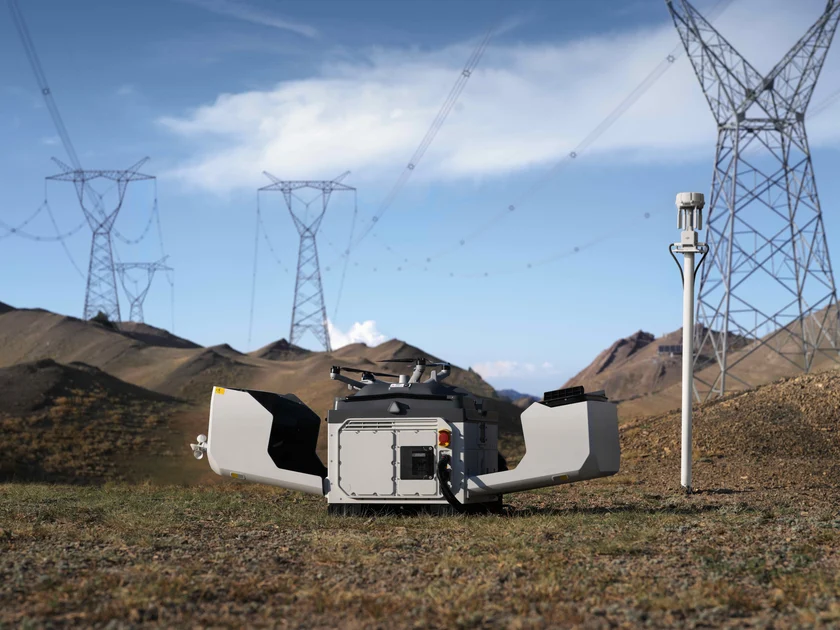
DJI Dock 4 with Matrice 5TD · Remote inspection and response
An alarm at a remote asset. A change on a construction site. A heat anomaly that needs investigating. Put an aerial viewpoint where the work happens, ready for the next planned mission or authorised response.
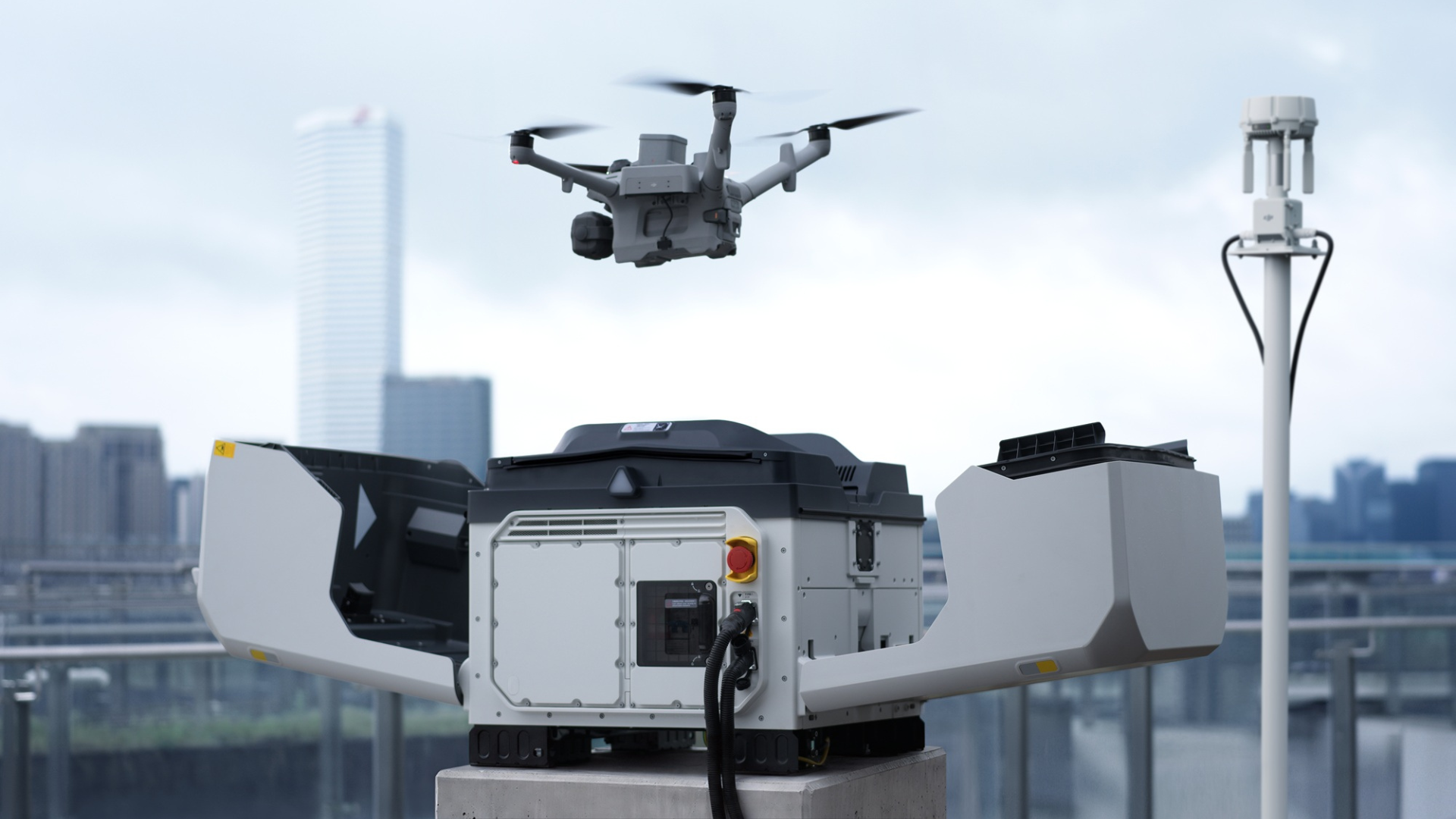
DJI Dock 4 pairs with the Matrice 5TD to support remotely managed flights, visual and thermal observation, and automatic battery swapping. Build a repeatable way to check your site and put useful information in front of the people making decisions.
Ready for the next task
The value of a dock is the next useful flight. Automatic battery replacement reduces the wait associated with recharging the same battery inside the aircraft, helping teams organise successive tasks around the information they need.
DJI quotes a 25-second swap from cover closure, with a separate minimum landing-to-take-off interval of 45 seconds in controlled tests. Actual readiness depends on battery state, conditions and the planned mission.
Choose the battery quantity around flight frequency, charging demand and your contingency plan.
Schedule a perimeter check, follow up a finding or collect another progress record. Match the flight to a decision your team needs to make.
The aircraft behind the observation
The Matrice 5TD brings wide, medium telephoto and telephoto views together with native 1K thermal imaging. Start with the layout of an asset, then examine the area that needs attention without losing the wider context.
On a solar installation, compare an unusual heat pattern with the visible module. At an incident, relate a thermal observation to access routes and nearby structures. Low-light imaging adds viewing options after dark; findings still need competent interpretation.
The thermal sensor captures 1280 × 1024 pixels. UHR mode produces enhanced 2560 × 2048 output.
Telephoto viewing and laser ranging support a record that helps a reviewer understand both the observation and where to investigate.
Start with your operational need
A successful deployment needs a defined purpose, an audience for the information and a process for acting on it. Consider where repeatable observations could improve your working day.
Build a repeatable record of assets and investigate visual or thermal observations. Give maintenance teams context for a targeted follow-up rather than an unexplained image.
Revisit agreed viewpoints to document change, communicate site conditions and support project discussions. Define the capture plan around the records your team actually uses.
Use authorised aerial checks to understand an alert or review a perimeter. Agree who watches the feed, validates a finding and initiates the response.
Add an aerial perspective to the developing picture. Help decision-makers assess access, surrounding assets and observations before deciding where ground resources are needed.
Capture scheduled views of roofs, yards and external infrastructure. Compare observations over time and route items requiring attention to the appropriate specialist.
Revisit a defined area to document visible changes, water conditions or site activity. Match flight timing and image coverage to your reporting requirements.
The installation shapes the result
The required DJI O4 Ground Station separates communication and RTK functions from the dock. That makes its position an important part of the design, alongside the landing area, power, network connection and maintenance access.
Assess the proposed location before committing to installation. Consider obstructions, nearby activity, likely flight paths, weather exposure and how your team will recover from a failed task or loss of connectivity.
Rotating LiDAR, vision, infrared sensing and radar assist aircraft awareness. They do not replace a suitable route or guarantee that every obstacle will be detected.
Plan people, connectivity, inspection and maintenance alongside the hardware. A dock is part of an operation, rather than a substitute for one.
From aerial capture to action
Decide what should happen before and after the flight. DJI FlightHub 2 supports connected mission management; the useful outcome is a clear observation reaching someone who knows what to do with it.
Agree the asset, trigger or monitoring question and the evidence required.
Use an appropriate mission and camera view to record the subject.
Validate observations and share relevant imagery with the right people.
Assign follow-up work, record the outcome and refine the next mission.
Software plans, cloud services, integration work and connectivity are separate unless included in your agreed package. Automated functions require appropriate configuration and oversight.
Why Iprosurv?
Tell us what you need to observe, how often you need it and who will act on the information. Iprosurv brings equipment advice, drone operations knowledge and training together to help shape a practical route forward.
Based in Rotherham and working across the UK and Europe, we can discuss the aircraft, site requirements, team skills and reporting process. Installation scope, training and ongoing support should be agreed explicitly in your proposal.
Start with the decision or deliverable. Choose the configuration around that requirement.
Discuss familiarisation, imagery interpretation and the responsibilities around remote operations.
Agree hardware, services, dependencies and acceptance criteria before moving forward.
Your Dock 4 and Matrice 5TD combo
Ask Iprosurv to confirm the exact Dock 4 and Matrice 5TD offer, including the required O4 Ground Station, battery quantities, mounting components and cables. The written quotation should define each included item and service.
Images illustrate the system. They do not confirm the contents of a particular combo or installation.
The detail behind the deployment
Selected buying details from DJI's current specification. Maximum figures describe tests, rather than guaranteed operational performance.
*Swap timing starts when the cover is fully closed; turnaround runs from landing to take-off. Both are controlled tests. Flight endurance was measured at 20 m above sea level, at 15 m/s without payload in windless laboratory conditions, from 100% to 0% battery. Plan reserves and actual weather into each mission. IP ratings have manufacturer conditions and do not mean waterproof. Sensing and ranging depend on the target and environment; radar availability varies by region.
Before you choose
No. DJI confirms Dock 4 supports only Matrice 5TD. Similar model names do not mean the aircraft or accessories are interchangeable.
No. Dock 4 requires it. Confirm it in the selected offer and include its positioning, network connection and installation in the site plan.
No. The swap is one part of the cycle. DJI quotes a separate 45-second minimum from landing to take-off in controlled tests. Operational readiness also depends on the aircraft, batteries, conditions and task.
It serves a different workflow. DJI states that Matrice 5TD does not support manual flight with a remote controller. Discuss your remote mission requirements before choosing it instead of a field-operated aircraft.
The exact offer must confirm them. Ask for battery quantities, O4 Ground Station, site works, software plans, accessories and support to be itemised. This page does not assume a complete installed package.
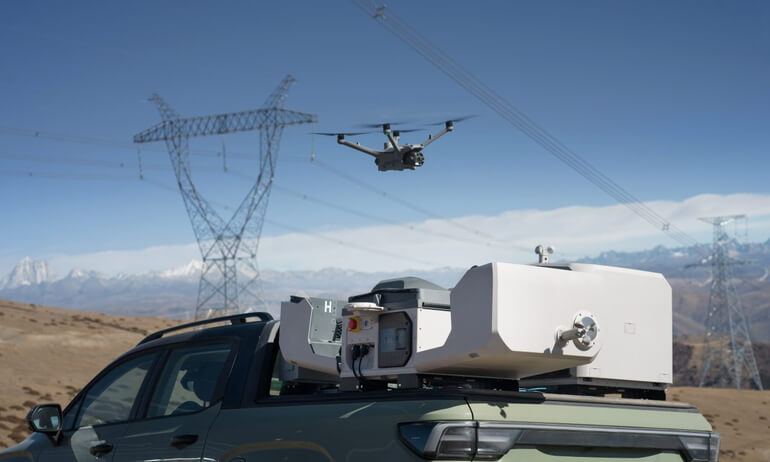
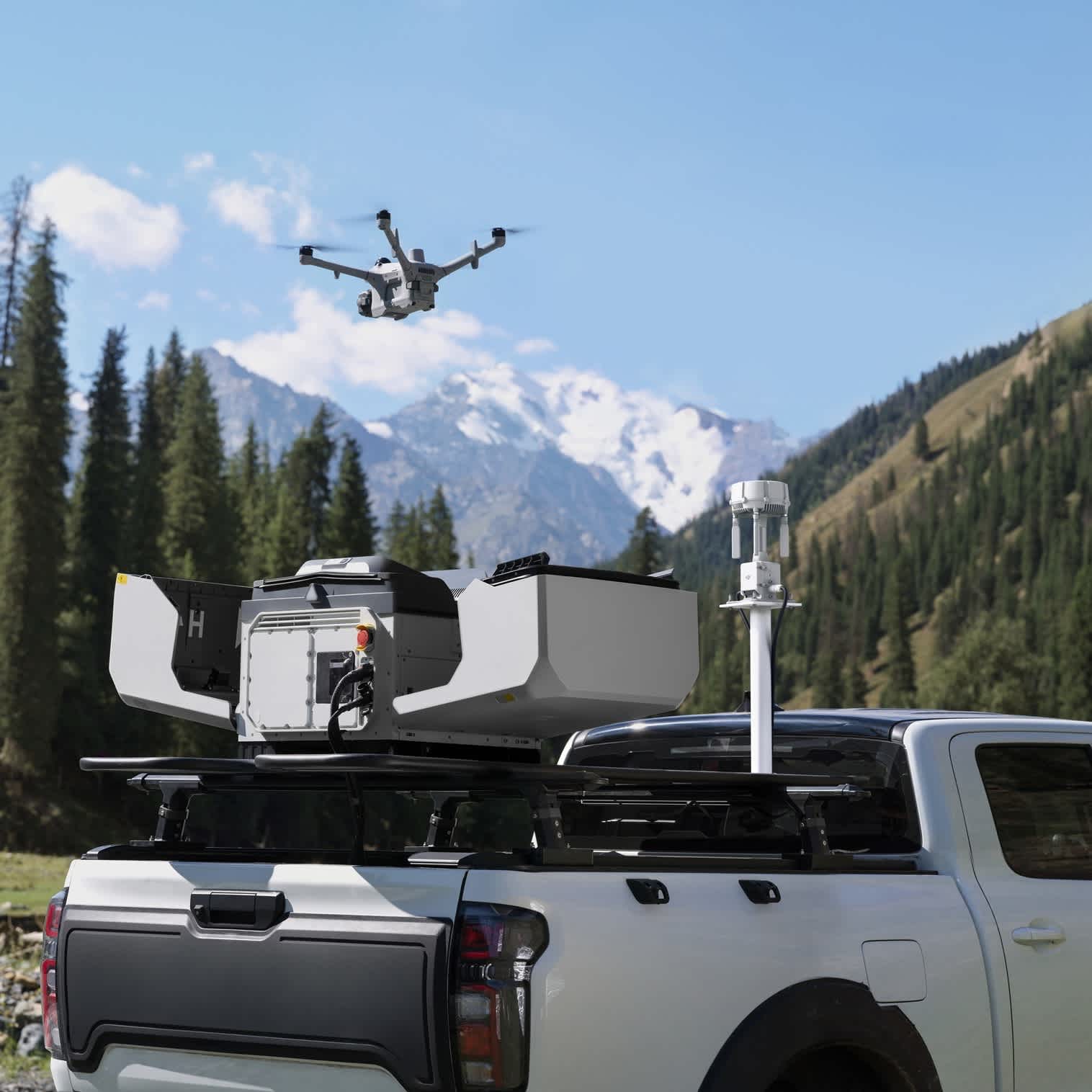
Please discuss the intended configuration with Iprosurv. A vehicle-mounted deployment needs confirmation of current manufacturer support, mounting requirements and the operating setup. The fixed-site examples here do not promise a vehicle kit.
Talk to Iprosurv
Tell us the location, assets, monitoring frequency and information your team needs. Include any existing power or network provision. We can help you explore a suitable configuration and define the equipment, services and next steps in your proposal.
Manufacturer example imagery illustrates possible applications and may show additional equipment. Package contents, software and service scope are confirmed in your selected offer.
Bring repeatable aerial inspection and response to your site with DJI Dock 4 and Matrice 5TD. Automatic battery swapping, thermal and visual imaging, and remotely managed missions help teams build a current picture of their assets. Speak to Iprosurv about the equipment, connectivity and deployment plan your operation needs.
Ask us about this product, bundles, or which equipment suits your job.
We can train you to use it, or carry out the work for you.